
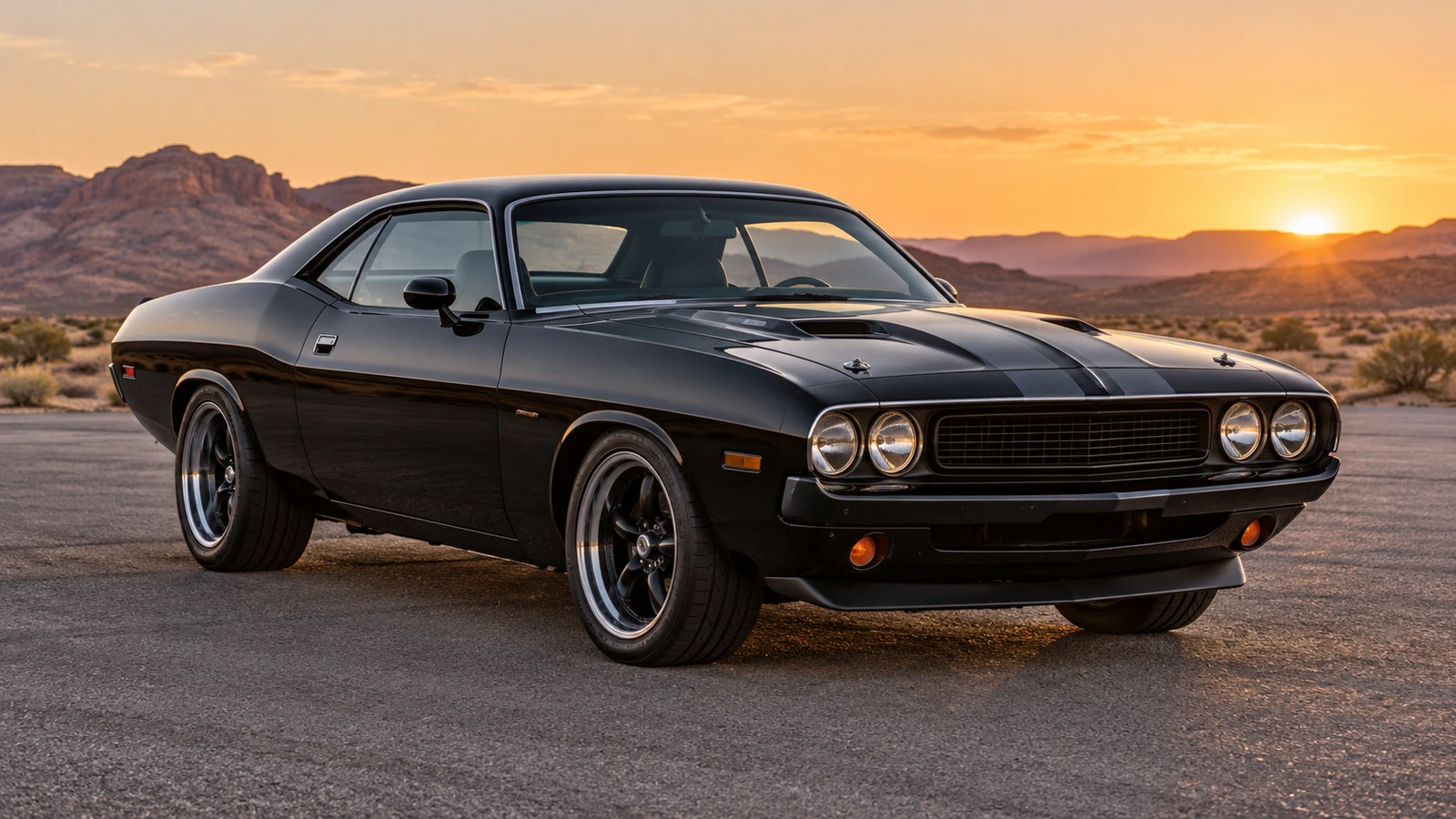
Add yourself and choose a car
Use a clear waist-up photo. Choose a preset vehicle or add a photo of your own car.
 Unforgettable Car AI
THE 24 CARD CAR REVEAL
Step into the Unforgettable Car trend. Add your photo, pick a dream car or upload your own, and reveal it with a swipe of the 2 and 4 cards.
How the 24 car reveal worksTHE 24 CARD CAR REVEAL
Use a clear waist-up photo. Choose a preset vehicle or add a photo of your own car.
One person, facing the camera, with a clear face and body visible to the waist. Avoid mirror selfies, sunglasses and heavy filters. JPEG, PNG, WebP or HEIC/HEIF, up to 25 MB.
Phone photos and supported formatsPHOTO TO CAR REVEAL
Use a clear waist-up photo. Choose a preset vehicle or add a photo of your own car.
Use Google or email to sign in, then buy credits. Each 720p video uses 10 credits; each 1080p video uses 15.
Click Generate to send your photo for safety review and video creation. Follow progress here or in My videos, then download your MP4.
One person, facing the camera, with a clear face and body visible to the waist. Avoid mirror selfies, sunglasses and heavy filters. JPEG, PNG, WebP or HEIC/HEIF, up to 25 MB.
A 12-second 16:9 silent MP4 with no watermark, in 720p or 1080p. Add music in the app where you post. AI likeness, card details and reveal timing can vary.
Each 720p video uses 10 credits; each 1080p video uses 15. Buy credits once, use them when you need them, and keep any unused balance. No subscription.
Basic 720p: 10 credits per video · HD 1080p: 15 credits per video
Unused credits are eligible for a refund within 7 days of purchase. View refund terms
FAQ
Also called the 24 car trend: a person holds up cards numbered 2 and 4, swipes them across the lens, and a car appears behind them. They react in surprise and step aside. This site makes an AI version from your photos.
Yes. Unforgettable Car AI works in your browser, with no app download, prompt writing or video editing required. You need a photo you have permission to use, a Google or email sign-in, and enough paid credits. Select 720p or 1080p, generate the video and download the MP4 when it is ready.
Choosing photos is free. Generation requires purchased credits; sign-up does not include free credits. Your photos upload only when you click Generate.
A 720p video uses 10 credits; a 1080p video uses 15. Starting with no credits, the smallest package is 10 credits for $9.90 USD, enough for one 720p video. For one 1080p video, the smallest sufficient package is 15 credits for $14.90 USD. These are package prices, not monthly fees. Prices are in EUR in the euro area and USD elsewhere; any unused credits stay in your account.
No. Unforgettable Car AI uses one-time credit purchases, with no subscription or automatic renewal. Purchased credits do not expire and remain in your account until you use them.
A 12-second 16:9 silent MP4 with no watermark, in 720p or 1080p. Add music in the app where you post. AI likeness, card details and reveal timing can vary. You can leave this page and check progress in My videos.
A photo that fails safety review is not saved to our server and costs no credits. A selected photo may remain as a local browser draft until you remove it. Confirmed technical generation failures return the task credits. A successful result may differ from the photo, and each new generation costs credits again. For quality concerns or cash refund requests, contact support@unforgettablecar.video with your task ID. Unused credits are eligible for a refund within 7 days of purchase.
Read the credit return and cash refund termsApproved generation input photos are stored privately only for processing and deleted once all tasks using them finish; failed cleanup is retried. Finished videos stay in private storage, with account-protected temporary download links. Photos are sent to third-party services for safety review and video generation; copies held by those services follow their own policies. See our Privacy Policy for details.
One person, facing the camera, with a clear face and body visible to the waist. Avoid mirror selfies, sunglasses and heavy filters. JPEG, PNG, WebP or HEIC/HEIF, up to 25 MB.
Yes. Upload one clear car photo or choose a preset supercar, pickup, off-roader or muscle car. The reveal sequence is fixed. AI may alter badges, plates and fine details; exact likeness is not guaranteed.
A 12-second 16:9 silent MP4 with no watermark, in 720p or 1080p. Add music in the app where you post. AI likeness, card details and reveal timing can vary.
Sign in to the account that generated the video. Once it is complete, find it on the home page or in My videos and select Download MP4. Save the file, then upload it yourself on TikTok or another platform; Unforgettable Car AI does not publish it for you. Download links expire after five minutes. If a link expires, return to the video and select Download MP4 again. Follow the platform’s AI-content and media-use rules when sharing.
Download and phone saving instructionsChoose a photo from your phone’s gallery: JPEG, PNG, WebP or HEIC/HEIF, up to 25 MB. Check the face and framing in the preview; tap the photo to choose another. It uploads only when you click Generate.
Prepare a photo from your phone